
What Makes Great SaaS UX Feel Effortless
August 24, 2026
10 mins


You would like the Webflow front end design experience but also need to use a CMS like WordPress for your high volume of content operations.
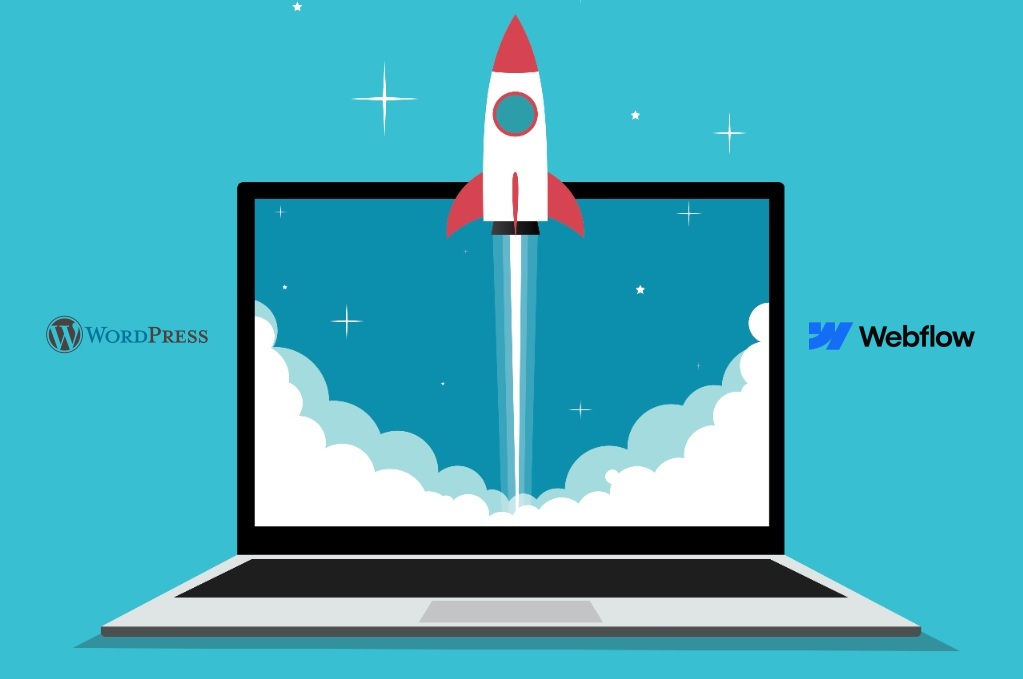
Webflow as an all-encompassing or “website experience platform”, serves the purpose of delivering a strategic, visual tool for the development of custom websites, via a “drag & drop” method of building your site, and generating both clean HTML markup and associated custom CSS and JavaScript code. Being a completely managed and closed-source solution, Webflow will also include everything you need to maintain your site, i.e., automated backups, security updates and SSL certificate support.
WordPress on the other hand, is NOT a solution designed specifically for any one purpose. It is an open-source, free-to-use Content Management System (CMS), which also happens to power more than forty-three Point Five percent (43.5%) of the entire web! WordPress does allow for both self-hosted solutions as well as hosted solutions and users are responsible for maintaining their own server environments, keeping them updated regularly as well as implementing and following security protocols. WordPress's main advantage lies in its massive integration ecosystem, which consists of over 60,000 free plugins and 13,000 free themes that can be used to expand the capabilities of a site in almost any direction.
Webflow is intended for designers, creative agencies and marketing departments looking to build high-quality websites quickly and independently of developers. Startups and large organisations that want to get their product to market as soon as possible (cutting down development time by 50%) and that also want to be able to use complex animation and interactivity features to enhance the web experience of the user are ideal examples of who would be a good fit for Webflow.
WordPress continues to be the most commonly used CMS by large and small organisations that publish much of their content on their site (i.e. Websites with a lot of content require more than one website). WordPress has also been designed to easily scale to meet the needs of its users. There are no predefined limits on the number of pages, content items or concurrent user accounts on the WordPress platform. People using WordPress frequently rely on external plug-ins or add-ons to build out their advanced SEO strategies and sophisticated membership systems.
To help you quickly grasp the key differences and similarities between Webflow and WordPress, we've put together a comparison table. This table highlights various features, pricing, and other important aspects to consider when choosing the right platform for your website.
.png)
Though the comparison provided in the table highlights many features of both platforms, it does not adequately describe their technical philosophies. In contrast, Webflow is a "website experience platform" that emphasises fast design-to-production, resulting in 50% lower development times. However, with Webflow, the user is placed within a "secure sandbox" and does not own any of the underlying server infrastructure.
While WordPress is a "best of breed" solution that provides complete ownership and flexibility to host from any location, it carries a hefty burden of "maintenance anxiety" with it (i.e., constant testing for Core and Plugin updates to avoid breaking or creating vulnerabilities on your site).
After comparing costs, you realize that the sticker price does not tell the full story of the total cost of ownership. In order to get a true total cost of ownership, you must consider fixed monthly fees versus variable costs that include development time, third-party maintenance, and security management.

Webflow is a SaaS platform that includes managed hosting, security, and the design tool as part of your monthly subscription plan.
Core site plans range from $14.00 to $39.00 per month. Some sources say there is a range for monthly billing starting at $18.00/ month.
Costs can increase with specialized features; for example:
With Webflow sunsetting its native user accounts in January 2026, membership functionality will now require you to use third party tools like Memberstack at a cost of $499/ month to manage memberships without incurring transaction fees for sites with more than 200 members.
The Wordpress program is non-royal and open source (all WordPress versions). However, an unstructured list of providers is what you need to arrange for the creation of a web app.
For web hosting, you can expect to spend about $5/month for basic hosting, whereas dedicated managed enterprise hosting normally costs between $20-$25/month.
Premium themes generally can run up to $60, and premium plugins can run up to $100+.
Webflow does not include engineering resources to maintain the application, such as applying core, theme, and plugin updates to maintain the performance of the site. Wordpress' CMS is very complex and therefore typically requires two different types of developers involved in the same project (a front end and a back end developer on the same team), which is uncommon using Webflow because a single front end developer can typically build out the entire project without needing any other developers.
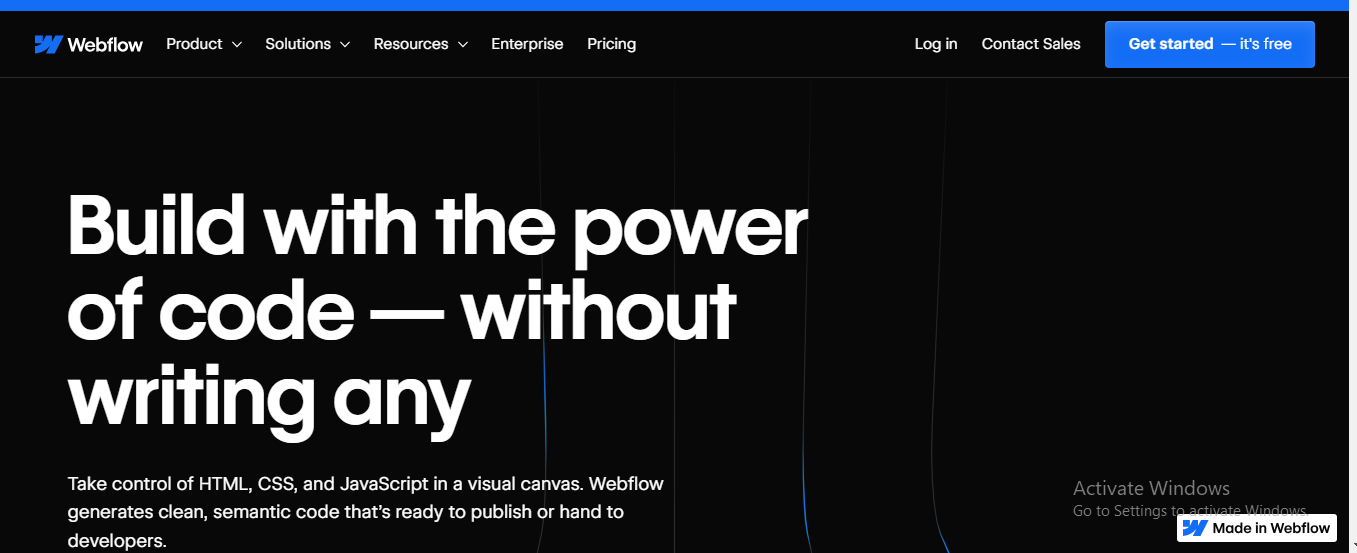
Webflow is a visual development platform that can generate code for the final product very quickly. Whereas WordPress is a Content Management System (CMS) and relies on themes and plugins to build out websites. So, the fundamental differences in these products stem from their technical backgrounds.
Webflow includes a design interface, called the Designer, that is very similar to professional design tools such as Figma and Adobe XD. A blank canvas is presented to the designer with each element being completely created from scratch giving you full control over styling aspect such as CSS, margins, paddings, and font choices to achieve "pixel-perfect" results.
The following are the major components of this workflow:
As WordPress traditionally uses pre-made themes to create a website’s style, users have the ability to change the overall appearance of their site by changing their theme, while still keeping all of their content intact.
The way users have been able to design their websites in the modern WordPress experience is through;
Pixel-Perfect Marketing Sites: Webflow is the go-to solution for creative agencies and brands that demand high-end visual design and modern UI/UX without the need for developers.Some reviewers suggest that Webflow can reduce development time significantly, potentially turning a six-week WordPress project into a much faster launch timeline.
Content-Heavy Sites: WordPress is the gold standard for professional publishers and large-scale blogs. The "What You See Is What You Get" (WYSIWYG) editor is far superior for high-volume content creation, while advanced taxonomy features such as categorization and tagging are far superior for organizing thousands of pieces of content.


While both Webflow and WordPress are both powerful platforms for search engine optimization, they are fundamentally different in the way they approach SEO. Webflow approaches SEO with a streamlined and integrated set of tools, while WordPress uses a vast ecosystem of "best of breed" plugins that provide greater granularity and control.
Webflow's architecture was designed to be fast and technically clean out of the box. The resulting, clean semantic markup allows search engines to easily crawl and index your content.
Advantages:
Disadvantages:
Arguably, WordPress is the benchmark for content-heavy SEO optimization since it offers the ability to control almost every nitty-gritty feature of the system with the help of extensions.
The Ecosystem:
The Hurdles:
Webflow utilizes a fully integrated hosting ecosystem hosted on Amazon Web Services (AWS) and a global CDN. With its managed infrastructure, Webflow delivers content globally with fast response times and high platform reliability. Unlike Webflow, whose performance is fully integrated to the platform, WordPress relies on your choice of third-party hosting providers, which run the gamut from budget $3–10 / month plans to enterprise-level managed solutions.
WordPress sites often suffer from slow load times due to bloated code included in pre-built themes and a dependence on multiple plugins to provide basic functionality. Each additional plugin or custom PHP script installed can negatively affect site-speed and Core Web Vitals if it is not optimized for speed by a developer. While Webflow was built with speed in mind using clean, semantic HTML5 and CSS3, the addition of (SOURCE NEEDED) can further degrade Webflow’s page-loading speeds. However, regardless of which platform you are using, Webflow users typically utilize built-in features like automatic image optimization and auto-caching; whereas, WordPress users must manually install performance-oriented plugins such as WP Rocket and NitroPack to meet/compete with SaaS benchmarks.

Webflow has a managed security model with SSL encryption, SOC 2 Type II, and global DDoS protection. This means users don’t have to worry about these security measures. Additionally, since it is a "closed-source" solution, users are always on the latest version and don’t have to perform any software or plugin updates. One of the greatest advantages for business continuity is that Webflow provides automatic backups, allowing instant one-click restores if needed.
WordPress has a responsibility model, meaning that users must be responsible for security. This includes updating themes, plugins, and WordPress versions manually. While WordPress offers great advantages as an "open-source" solution, it also has great disadvantages and risk. Security research shows that the majority of hacked CMS sites run on WordPress, often due to outdated plugins or weak authentication practices.Business sites prefer Webflow over WordPress because they don’t want to experience "maintenance anxiety" and risk breaking their sites during updates. However, if a user wants to create a simple brochure or personal website, they can opt for WordPress and enjoy full server ownership and hosting location independence.

Webflow eCommerce is considered a part of their native features but is primarily geared more towards smaller to medium size stores looking for a "pixel perfect" experience when doing business online. Supports both digital and physical products, automated taxes, and customizable checkout flow. Since Webflow does not have User Account feature, companies will have to buy costly add-ons to build a Membership Business via third party Apps by January 29, 2026, which are built on thousands of SKUs, have massive scalability, and integrate deeply into some of the biggest Payment options worldwide. WooCommerce is the leading eCommerce platform for WordPress, powering approximately 23% of all eCommerce websites worldwide. The major differences between WooCommerce and Webflow eCommerce regarding cost to run are far greater than their differences in price point. You may want to use a specialized platform like Shopify if you plan on operating High Volume &/or with multiple fulfillment locations.
At the next level, advanced users must consider how each solution accommodates a complex team environment, large content bases, and internationalization strategies.
In a large enterprise, the "bottleneck" is often the approval and deployment process. Webflow has recognized this and has positioned itself as a solution for enterprise teams by providing a Workspace feature that allows for role-based permissions and publishing workflow management. The key feature for advanced teams is Page Branching, where a designer can make a copy or branch of a page and make changes, then merge it back into the main site when complete. This is a key feature in a workspace environment that allows for a private staging environment, site activity, and auto-save functionality to avoid data loss in the case of simultaneous changes.
Traditionally, WordPress collaboration has been more fragmented than other platforms. Although WordPress' core software provides pre-defined roles, anything related to enterprise governance (branching, advanced staging) would require using the VIP tier at WordPress ($25,000 + to 6 figures per year) or implementing a stack of third-party tools. For teams that are not on a VIP plan, this makes credential management and coordinating parallel workflows quite difficult and feel like a juggling act compared to other platforms (i.e., Webflow) that have unified their collaboration through a single cloud-based solution.
The decision between these two platforms usually depends on the scale of content you are working with. Webflow’s CMS is based on a system called "Collections" (custom post types) that enables a designer to link dynamic content to any visual element on a website without requiring code. However, Webflow’s CMS is limited in terms of content scale. While their CMS plan limits content to 2,000 items, their business plan limits content to 10,000 items. For a content-heavy website, working in Webflow can be a "monotonous experience" because of its inability to handle advanced content categorization and multi-tagging functionality.
WordPress is the de facto standard for content-heavy websites because it does not have arbitrary limits on the number of pages or posts you can create. WordPress's native taxonomy system is far superior for managing content libraries that contain thousands of articles. Additionally, WordPress is an open-source solution that is "infinitely scalable," making it ideal for large, established companies.
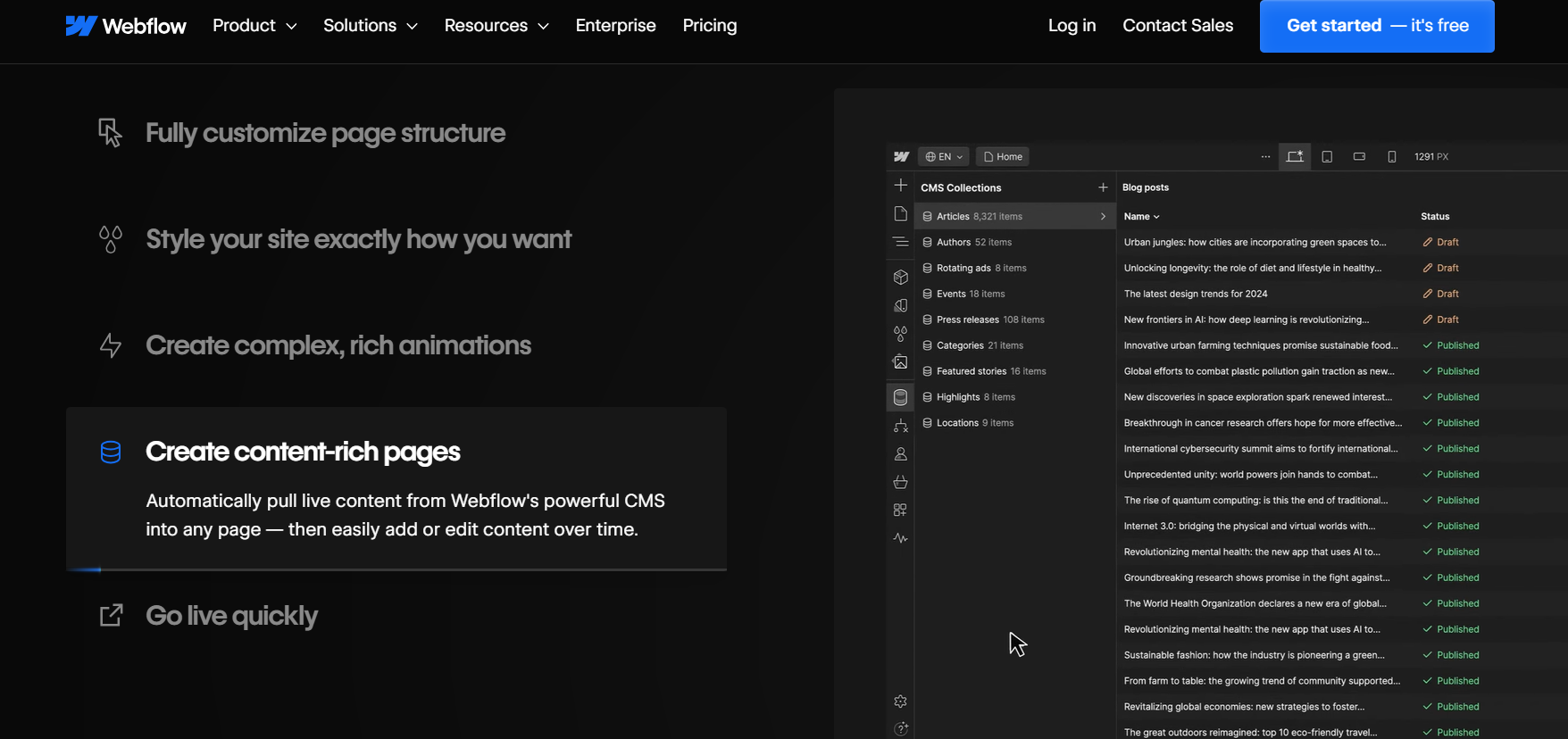
The term localisation (localization) refers to the practice of making items appear different in different locations. Two types of localised products are available to web developers: native add-ons and plugins.
Native add-ons are provided by a web development company. An example is Webflow, which provides a native add-on for localising content from within its platform. This means that you can manage all your content in all the supported languages from one platform. This native add-on for Webflow (which became available in late 2023) allows you to edit visuals (including styles, images, etc.) for each language in the same project, making the process of maintaining your will ease in running your web pages/website.
When it comes to localising WordPress, WordPress requires multiple third-party plugins to support the localisation process. These plugins usually will be broken down for you to understand on a "Frankenstein" basis. Plugins like WPML, TranslatePress, or Weglot provide an incredible amount of flexibility, but they also make it more challenging to maintain (and may create conflicts with other plugins). However, the cost of these plugins is usually easier to predict; for instance, with TranslatePress, you will pay a lump sum for any number of languages for the year. In contrast, with Webflow, costs will increase quickly as the number of locations around the world increases.
The trend in agencies and enterprises is to use a hybrid setup that tries to give you the 'best of both worlds'. Here, Webflow is used for front-end development to take advantage of its excellent design and interaction tools, and WordPress is used for back-end CMS for handling large-scale data and content management.
Webflow provides this functionality through MACH certified APIs and the ability to export code to run elsewhere. Similarly, headless WordPress provides a solution where a custom front-end can be created using JavaScript frameworks, and WordPress can be used for robust database management. This is equivalent to replacing a two-person development team for front-end and back-end development with a single solution that can empower a designer to handle front-end development.
If your project requires user accounts or Restricted Content then the platforms are going in different directions. Webflow will no longer support their user account feature after January 29, 2026, if you want to keep your membership functionality on Webflow you'll have to migrate to another tool such as Memberstack which can charge you as much $499/month if you want to avoid paying transaction fees after 200 members.
WordPress is at a significant advantage having a user account system built in plus an extensive library of membership plugins. Assuming that you need a built in, manageable system, WordPress will be the better platform for social communities, online courses and discussions requiring scalable user management with native account management.
Migration is a strategic move that can help teams overcome "maintenance anxiety," which is brought about by the hassle of plugin maintenance and security risks. It is also worth switching to Webflow if the current stack has become a bottleneck to the team’s marketing efforts, as the new stack will allow the team to publish changes independently of the developer. If the team needs to launch quickly, migration can significantly reduce website launch time.
Migration is not a one-click solution, as the design elements do not directly import into the new stack, meaning that the team has to manually recreate the design elements in the new visual canvas.
The "best" one to choose depends on your goals and comfort level.
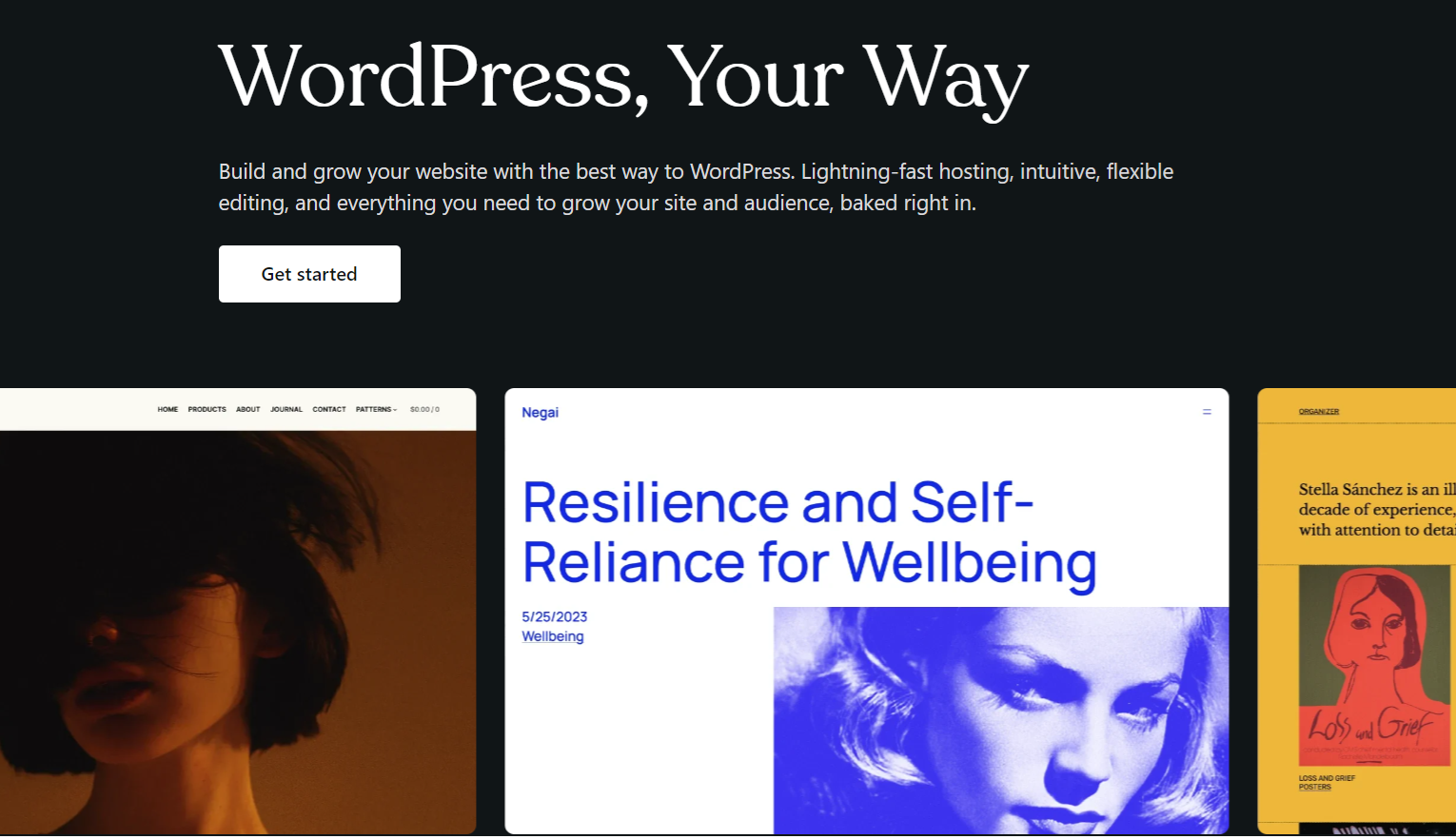
Ultimately, choosing between Webflow and WordPress in 2026 comes down to which solution better matches the pace of your team (rather than which is "better"). WordPress is still a leading force in open-source development for those that require infinite scalability but have the engineering resources available to manage it. That being said, for companies that focus on brand expression and quickly scaling their businesses, the anxiety of the ongoing maintenance of a plugin-driven stack makes it challenging to consider using WordPress.
On the other hand, Webflow has completely changed the relationship between agencies and their clients by taking design out of the build process and placing it directly into the production layer. Teams can expect to decrease the amount of time required to build a product by at least 50%, allowing companies who may have historically taken 6 weeks to develop their website to launch in just 3 weeks. In addition, because Webflow removes the need for back-end developers to maintain a CMS, it enables a more intuitive, streamlined, "front-end first" workflow resulting in an increased return on investment for all involved.
Your website should be a growth engine, not a repeat ticket in a developer’s queue! As a Specialist Webflow Agency, we are here to help you break free from the technical burdens and “bloat” that comes with traditional systems and technologies. We design and develop performance-driven, secure, and visually spectacular digital experiences that provide your marketing teams with complete autonomy and freedom to edit and publish at the pace of your business.
Stop Managing Your CMS, Start Building Your Brand. Schedule Your Webflow Migration & Strategy Consult Today.
WordPress can use plugins such as Yoast or Rank Math to give more control, but Webflow has better fit-for-purpose coding and built-in hosting that performs better at launch time on average and better than WordPress code. These benefits can lead to a site that has better speed and indexing than WordPress.
In most cases, yes. Webflow uses AWS to host your website, allowing them to deliver your content to over 95% of the world within 50 milliseconds, as well as automatically optimise images. WordPress can be slow to load and exhibit highly variable response times based on several factors, including the hosting provider, theme used and the number and type of plugins used to enhance the site.
Webflows’ blogging platform is designed for HTML / CSS developers who wish to create blogs that are simple and focused on design. However, Webflows does not have advanced categorisation features or support for multi-user editorial workflows. Therefore, WordPress is still the best platform to host high-value content when there are many thousands of articles published on a daily basis.
Yes, for most business or marketing sites looking to escape technical hassle and developer dependency. However, it cannot replace WordPress for community sites or enterprise e-commerce sites.
The content migration process is quick and can be completed in a matter of minutes with the help of CSV files. However, recreating the design and layout from scratch using the visual editor has its own learning curve.
.svg)


REGISTERED IN Chennai, INDIA.
"Global Team, Building for the world"





.webp)
.svg)
